






Where Can You Find Scanned Documents On Mac And Windows
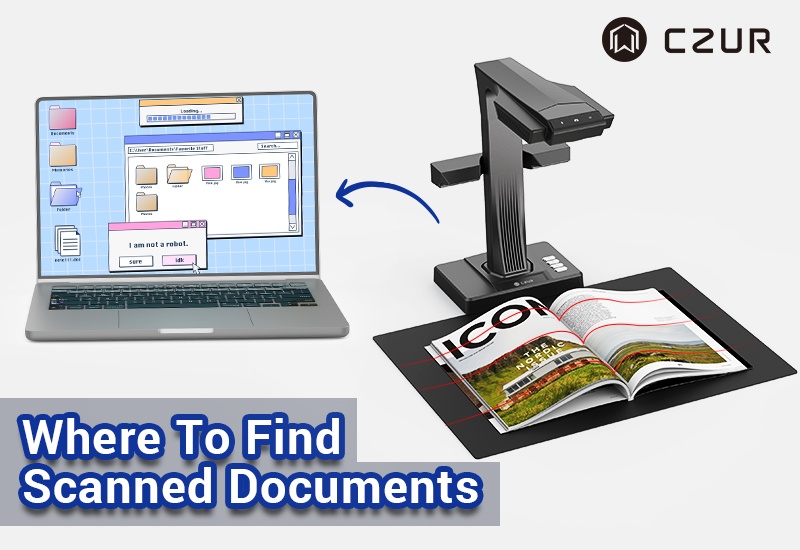
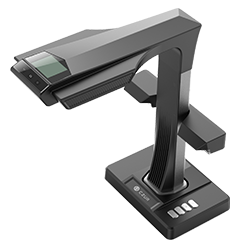
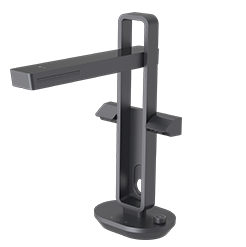
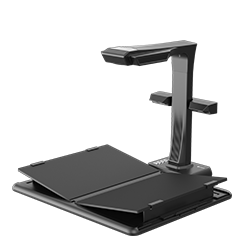
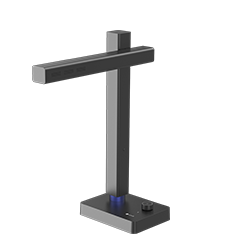
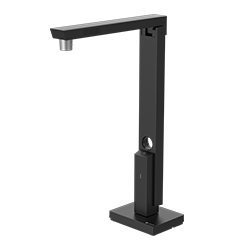
Scanned documents are usually saved automatically after you use a scanner, smartphone, or scanning app, but many users are unsure where these files actually go. In reality, the storage location depends on the device, operating system, and scanning software being used. On Windows computers, scanned files are commonly stored in folders such as Documents, Pictures, or app-specific directories. At the same time, Mac systems often save them in the Pictures folder or in other locations selected by the scanning software. Tools like File Explorer, Windows Search, Finder, and Spotlight make it easier to quickly locate scanned files by searching by file name, format, or date. For users of devices like the CZUR ET Max, understanding the software’s default save paths can further simplify the process. By learning where scans are stored and organizing them in a consistent folder structure, you can manage and access digital documents much more efficiently. To learn the exact locations and step-by-step methods for finding your scanned files, read the full guide here.


