




How to Download CZUR Software?
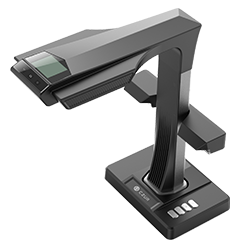
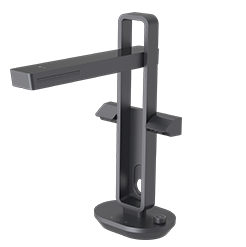
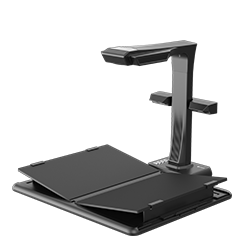
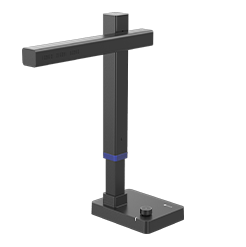
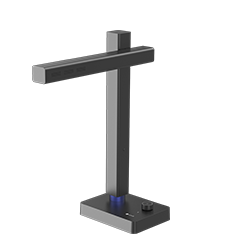
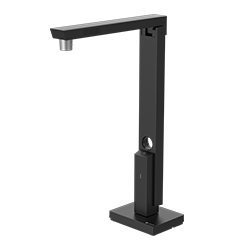
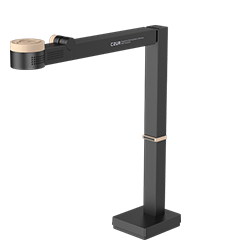
 Downloading the CZUR scanner software is very simple. Users only need to visit the CZUR official website, find the Software download section at the bottom of the page, select their scanner model, and download the version compatible with Windows or macOS.
The CZUR software offers several useful features, such as auto-cropping, page flattening, smart paging, batch editing, and OCR text recognition, helping users achieve clearer and more efficient scanning results. After installation, simply enter the device serial number to connect the scanner and start using it.
The article also provides solutions to common issues, such as device detection problems and firmware upgrade failures, helping users quickly complete the installation and setup process.
Read the full tutorial here: How to Download CZUR Scanner Software?


