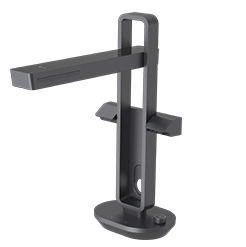
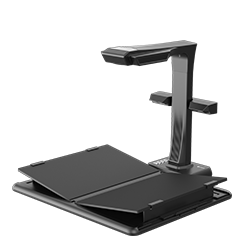
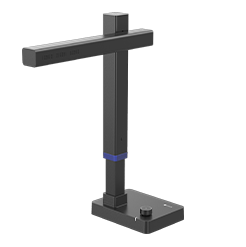
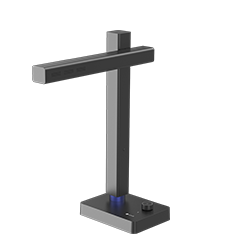
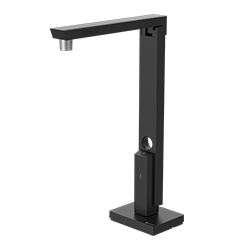
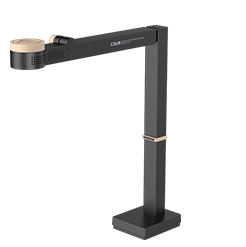





Your CZUR device purchase includes FREE lifetime SVIP access. SVIP features are available while your device is connected and pause when it’s disconnected. For this reason, we recommend to keep your device connected while using “CZUR Image+”

Computer Configuration Requirements
| OS | Windows 11 (x86) Windows 10 (x86) |
| CPU | PC with X86 processor (2 GHz or higher) |
| Memory | 4GB RAM minimum, 8GB RAM recommended. |
| Hard Disk | The installation and operation of the program requires 2 G disk space. You can scan more images if the disk space is bigger. The recommended storage is 20G. |
| Resolution | 1366 × 768 minimum |
Computer Configuration Requirements
| OS | Support for MacOS 12 or later |
| CPU | 2 GHz or higher |
| GPU | Mac computers that support Metal |
| Memory | 2 GB RAM minimum, 8 GB RAM recommended. |
| Resolution | 1366 × 768 minimum |
| Hard Disk | The installation and operation of the program requires 2 G disk space. You can scan more images if the disk space is bigger. The recommended storage is 20G. |
Computer Configuration Requirements
| OS | Support for Ubuntu 22.04 or later Compatibility Matrix |
| CPU | PC with x86_64 processor (2 GHz or higher) |
| Memory | 4GB RAM minimum, 8GB RAM recommended. |
| Hard Disk | The installation and operation of the program requires 2 G disk space. You can scan more images if the disk space is bigger. The recommended storage is 20G. |
| Resolution | 1366 × 768 minimum |
Update log
1.You can now view the membership benefits included with each CZUR scanner model directly in the software. The corresponding benefits are automatically unlocked when a CZUR scanner is connected to your computer.
2.Added support for locating and deleting scan source files.
3.Fixed several known issues to improve software stability and the overall user experience.
Computer Configuration Requirements

| OS | Windows 11 (x86) Windows 10 (x86) Windows 8 Windows 7 |
| CPU | PC with X86 processor (2 GHz or higher) |
| Memory | 4GB RAM minimum, 8GB RAM recommended. |
| Hard Disk | The installation and operation of the program requires 2 G disk space. You can scan more images if the disk space is bigger. The recommended storage is 20G. |
| Resolution | 1366 × 768 minimum |
Computer Configuration Requirements
| OS | Support for MacOS 13 or later |
| CPU | 2 GHz or higher |
| GPU | Mac computers that support Metal |
| Memory | 2 GB RAM minimum, 8 GB RAM recommended. |
| Resolution | 1366 × 768 minimum |
| Hard Disk | The installation and operation of the program requires 2 G disk space. You can scan more images if the disk space is bigger. The recommended storage is 20G. |
Computer Configuration Requirements
| OS | Support for MacOS 12 or later |
| CPU | 2 GHz or higher |
| GPU | Mac computers that support Metal |
| Memory | 2 GB RAM minimum, 8 GB RAM recommended. |
| Hard Disk | The installation and operation of the program requires 2 G disk space. You can scan more images if the disk space is bigger. The recommended storage is 20G. |
| Resolution | 1366 × 768 minimum |
Computer Configuration Requirements
| OS | Windows XP |
| CPU | PC with X86 processor (2 GHz or higher) |
| Memory | 4GB RAM minimum, 8GB RAM recommended. |
| Hard Disk | The installation and operation of the program requires 2 G disk space. You can scan more images if the disk space is bigger. The recommended storage is 20G. |
| Resolution | 1366 × 768 minimum |

Software Overview
2026-11-11
Unlock Membership Benifits
2026-11-11
Image+ Scan a book
2026-11-11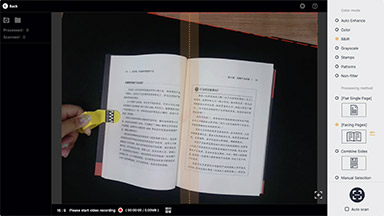
How to use Shine Ultra scanning a book
2020-08-12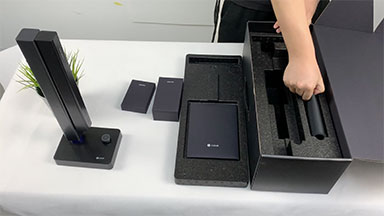
Unboxing and installation
2020-05-18
How to use Shine to scan
2020-05-18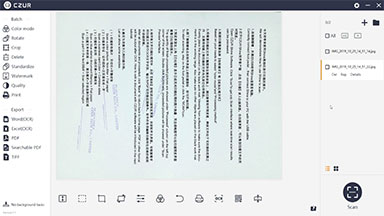
Operations after scan
2020-05-18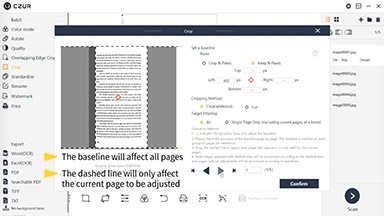
Profession Cropping Operations
2020-11-10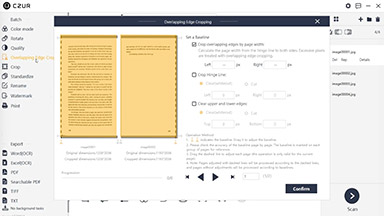
Demonstration of Overlapping Edge Cropping
2020-11-10
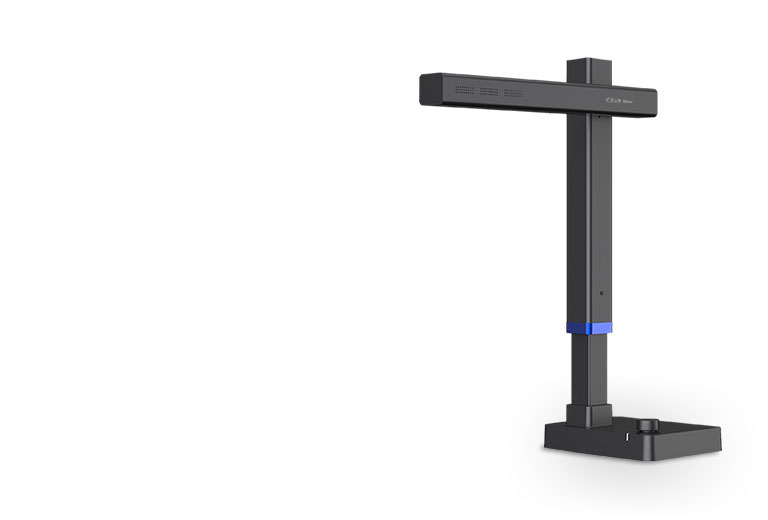 Shine UltraHuong dan sur dung Tieng VietTieng Viet
Tiếng Việt - Vietnamese
2020-11-25- Shine UltraBENUTZERH ANDBUCHDeutsch
Deutsch - German
2020-11-25 - Shine UltraUser ManualEnglish
English - English
2020-11-25 - Shine UltraMODE D'EMPLOIFrançais
Français - French
2020-11-25 - Shine UltraMANUALE DELL'UTENTEItaliano
Italiano - Italian
2020-11-25 - Shine Ultraユーザーマニュアル日本語
日本語 - Japanese
2020-11-25 - Shine Ultra사용자 매 뉴 얼한국어.
한국어. - Korean
2020-11-25 - Shine UltraMANUAL DO USUÁRIOРortuguês
Рortuguês - Portuguese
2020-11-25 - Shine UltraРУКОВОДСТВО ПОЛЬЗОВАТЕЛЯ Русский
Русский - Russian
2020-11-25 - Shine UltraMANUAL DE USUARIOEspañol
Español - Spanish
2020-11-25 - Shine Ultraคู่มือผู้ใช้ภาษาไทย
ภาษาไทย - Thai
2020-11-25 - Shine Ultra用户手册繁体中文
繁体中文 - Traditional Chinese
2020-11-25 - Shine UltraSoftware ManualEnglish
English - English
2020-05-22