




Computer Configuration Requirements

| OS | Windows 11 (x86) Windows 10 (x86) Windows 8 Windows 7 |
| CPU | Intel: Core i7 (8th generation and above), main frequency 3.4GHz and above AMD: Ryzen (7th generation and above), main frequency 3.4GHz and above |
| Memory | 8GB or more (16GB recommended) |
| Hard Disk | At least 20GB free space on drive C |
| Resolution | 1366 × 768 minimum |
Computer Configuration Requirements
| OS | Support for MacOS 13 or later |
| CPU | 2 GHz or higher |
| GPU | Mac computers that support Metal |
| Memory | 2 GB RAM minimum, 8 GB RAM recommended. |
| Hard Disk | The installation and operation of the program requires 2 G disk space. You can scan more images if the disk space is bigger. The recommended storage is 20G. |
| Resolution | 1366 × 768 minimum |
Computer Configuration Requirements
| OS | Support for MacOS 12 or later |
| CPU | 2 GHz or higher |
| GPU | Mac computers that support Metal |
| Memory | 2 GB RAM minimum, 8 GB RAM recommended. |
| Resolution | 1366 × 768 minimum |
| Hard Disk | The installation and operation of the program requires 2 G disk space. You can scan more images if the disk space is bigger. The recommended storage is 20G. |
Computer Configuration Requirements
| OS | Windows XP |
| CPU | PC with X86 processor (2 GHz or higher) |
| Memory | 4GB RAM minimum, 8GB RAM recommended. |
| Hard Disk | The installation and operation of the program requires 2 G disk space. You can scan more images if the disk space is bigger. The recommended storage is 20G. |
| Resolution | 1366 × 768 minimum |
Update log
1. OCR export recognition languages added Arabic, Thai, Armenian, and Vietnamese.
2. OCR export for Word and Excel documents added the [Layout Preference] configuration option.
3. OCR export for PDF added [Scene Configuration] and [Page Size] options, and removed the [Quality] option (now handled uniformly by scene configuration).
4. Custom text/image watermark settings now support persistent memory.
5. Fixed user-reported bugs and improved software stability.
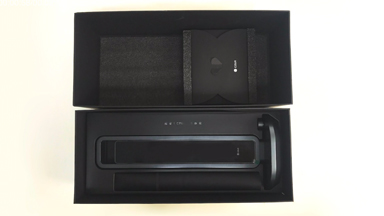
Unboxing and installation
2019-02-15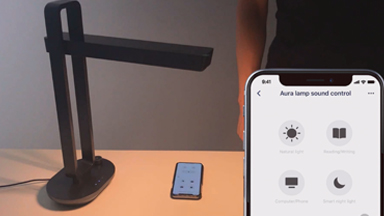
Lamp mode
2019-02-15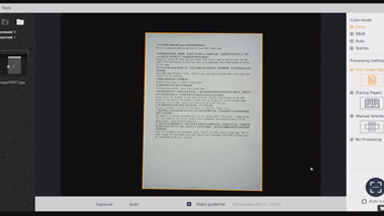
How to use Flat Single Page method
2019-02-15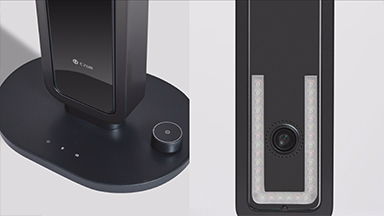
Aura has two modes
2019-02-27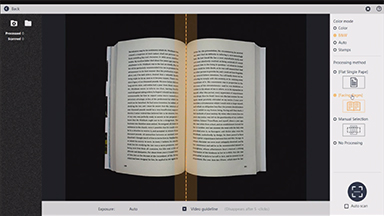
How to use Facing Pages method
2019-02-27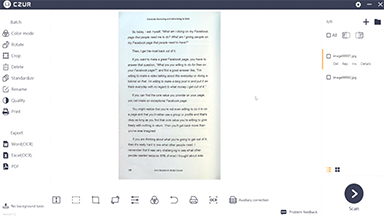
Operations after scan
2019-02-27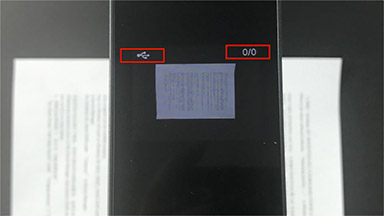
How to fix detecting devices issue
2020-05-25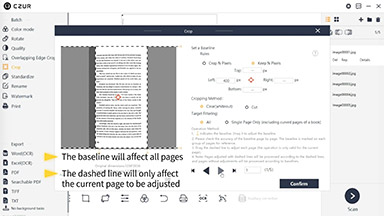
Profession Cropping Operations
2020-11-10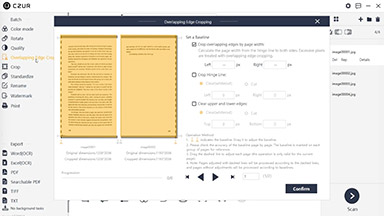
Demonstration of Overlapping Edge Cropping
2020-11-10
 Aura ProUser ManualEnglish
English - English
2022-07-13- Aura ProMODE D'EMPLOIFrançais
Français - French
2022-07-13 - Aura ProBENUTZERH ANDBUCHDeutsch
Deutsch - German
2022-07-13 - Aura ProMANUALE DELL'UTENTEItaliano
Italiano - Italian
2022-07-13 - Aura ProРУКОВОДСТВО ПОЛЬЗОВАТЕЛЯ Русский
Русский - Russian
2022-07-13 - Aura ProMANUAL DE USUARIOEspañol
Español - Spanish
2022-07-13 - Aura ProMANUAL DO USUÁRIOРortuguês
Рortuguês - Portuguese
2022-07-13 - Aura Proユーザーマニュアル日本語
日本語 - Japanese
2022-07-13