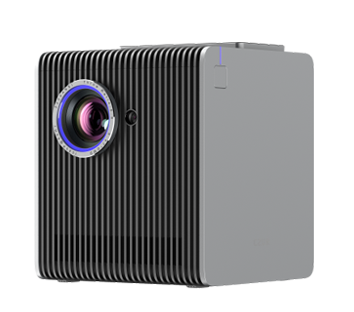
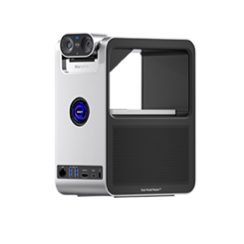
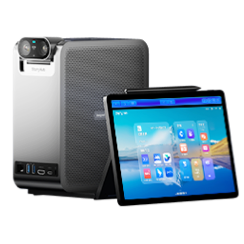
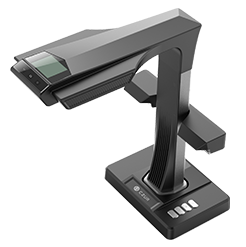
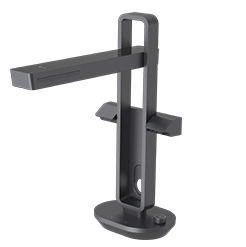
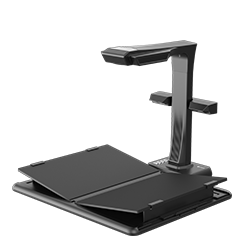
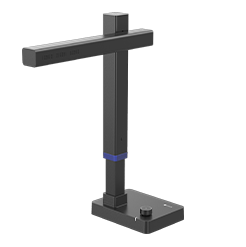
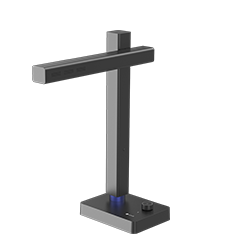
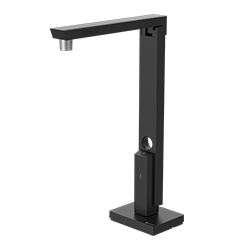
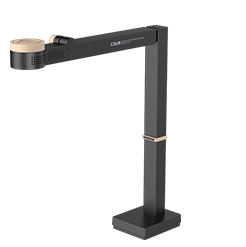
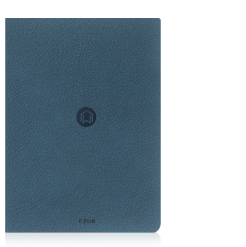

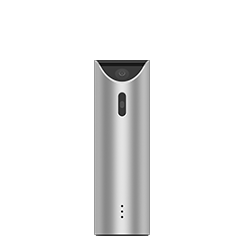




Your CZUR device purchase includes FREE lifetime SVIP access. SVIP features are available while your device is connected and pause when it’s disconnected. For this reason, we recommend to keep your device connected while using “CZUR Image+”

Computer Configuration Requirements
| OS | Windows 11 (x86) Windows 10 (x86) |
| CPU | PC with X86 processor (2 GHz or higher) |
| Memory | 4GB RAM minimum, 8GB RAM recommended. |
| Hard Disk | The installation and operation of the program requires 2 G disk space. You can scan more images if the disk space is bigger. The recommended storage is 20G. |
| Resolution | 1366 × 768 minimum |
Computer Configuration Requirements
| OS | Support for MacOS 12 or later |
| CPU | 2 GHz or higher |
| GPU | Mac computers that support Metal |
| Memory | 2 GB RAM minimum, 8 GB RAM recommended. |
| Resolution | 1366 × 768 minimum |
| Hard Disk | The installation and operation of the program requires 2 G disk space. You can scan more images if the disk space is bigger. The recommended storage is 20G. |
Computer Configuration Requirements
| OS | Support for MacOS 12 or later |
| CPU | 2 GHz or higher |
| GPU | Mac computers that support Metal |
| Memory | 2 GB RAM minimum, 8 GB RAM recommended. |
| Resolution | 1366 × 768 minimum |
| Hard Disk | The installation and operation of the program requires 2 G disk space. You can scan more images if the disk space is bigger. The recommended storage is 20G. |
Computer Configuration Requirements
| OS | Support for Ubuntu 22.04 or later Compatibility Matrix |
| CPU | PC with x86_64 processor (2 GHz or higher) |
| Memory | 4GB RAM minimum, 8GB RAM recommended. |
| Hard Disk | The installation and operation of the program requires 2 G disk space. You can scan more images if the disk space is bigger. The recommended storage is 20G. |
| Resolution | 1366 × 768 minimum |
Update log
We've improved the overall user experience and fixed several issues to make the software more reliable and enjoyable to use.
Update log
We've improved the overall user experience and fixed several issues to make the software more reliable and enjoyable to use.
Update log
We've improved the overall user experience and fixed several issues to make the software more reliable and enjoyable to use.
Update log
We've improved the overall user experience and fixed several issues to make the software more reliable and enjoyable to use.
Computer Configuration Requirements

| OS | Windows 11 (x86) Windows 10 (x86) Windows 8 Windows 7 |
| CPU | PC with X86 processor (2 GHz or higher) |
| Memory | 4GB RAM minimum, 8GB RAM recommended. |
| Hard Disk | The installation and operation of the program requires 2 G disk space. You can scan more images if the disk space is bigger. The recommended storage is 20G. |
| Resolution | 1366 × 768 minimum |
Computer Configuration Requirements
| OS | Support for MacOS 13 or later |
| CPU | 2 GHz or higher |
| GPU | Mac computers that support Metal |
| Memory | 2 GB RAM minimum, 8 GB RAM recommended. |
| Resolution | 1366 × 768 minimum |
| Hard Disk | The installation and operation of the program requires 2 G disk space. You can scan more images if the disk space is bigger. The recommended storage is 20G. |
Computer Configuration Requirements
| OS | Support for MacOS 12 or later |
| CPU | 2 GHz or higher |
| GPU | Mac computers that support Metal |
| Memory | 2 GB RAM minimum, 8 GB RAM recommended. |
| Hard Disk | The installation and operation of the program requires 2 G disk space. You can scan more images if the disk space is bigger. The recommended storage is 20G. |
| Resolution | 1366 × 768 minimum |
Computer Configuration Requirements
| OS | Windows XP |
| CPU | PC with X86 processor (2 GHz or higher) |
| Memory | 4GB RAM minimum, 8GB RAM recommended. |
| Hard Disk | The installation and operation of the program requires 2 G disk space. You can scan more images if the disk space is bigger. The recommended storage is 20G. |
| Resolution | 1366 × 768 minimum |

Software Overview
2026-11-11
Unlock Membership Benifits
2026-11-11
Image+ Scan a book
2026-11-11
Unboxing and installation
2023-01-17
How to use Shine to scan
2023-01-17
Operations after scan
2023-01-17
Profession Cropping Operations
2023-01-17
Demonstration of Overlapping Edge Cropping
2023-01-17