




How to Use CZUR ET Max Book Scanner Software?
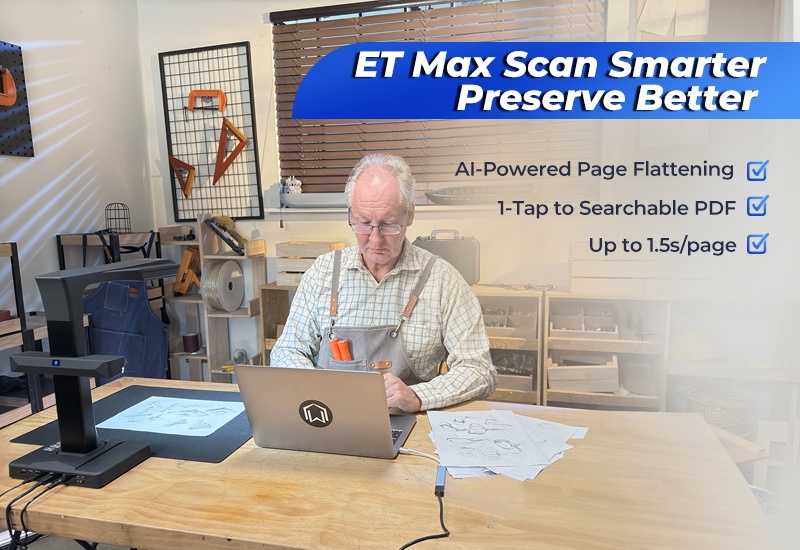
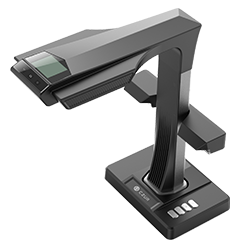
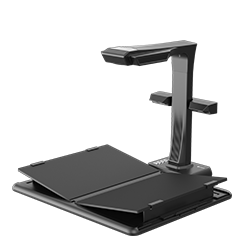
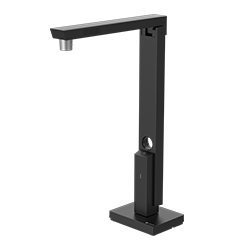
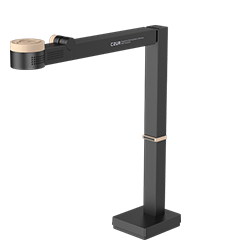
This article provides a comprehensive guide to using the CZUR ET Max and its dedicated software to achieve efficient, intelligent document digitization. It introduces the scanner’s high-resolution capabilities and explains how to download, install, and set up the software, including SN code activation. The article highlights key features, including multiple color modes, flexible scanning options, curve flattening, intelligent image correction, and batch processing, all designed to improve scanning accuracy and workflow efficiency. It also emphasizes the powerful OCR technology powered by ABBYY, which supports over 180 languages for precise text recognition, along with versatile export formats like PDF, Word, and Excel. Additionally, it explores practical applications across education, business, healthcare, and personal use, demonstrating how the ET Max simplifies document management and digital archiving. To learn more details and step-by-step instructions, click the link to read the full article.


