







Where Can You Find Scanned Documents
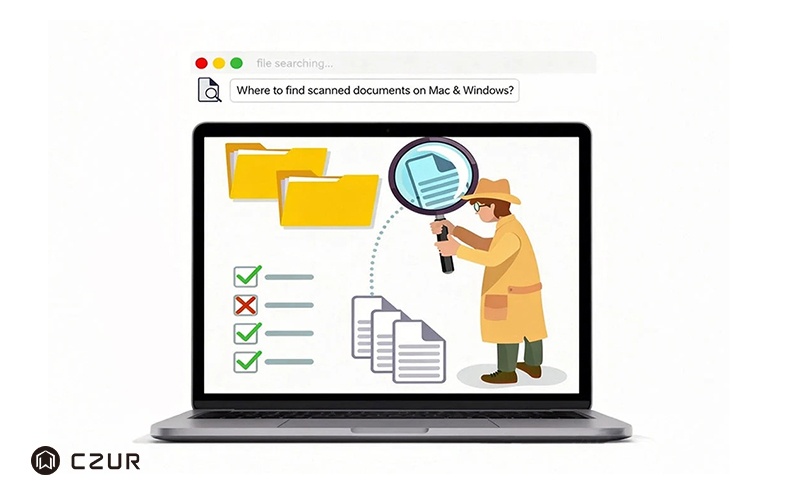
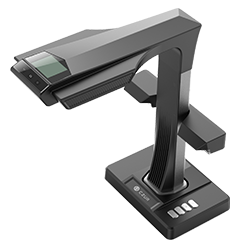
Scanning a document is only the first step. Once the scan is complete, you may find yourself wondering, “Where did my scanned document go?” Depending on the device, scanning software, and save settings you use, scanned files may be stored in different folders on your computer or mobile device. Knowing where to look can save you time and make it easier to manage your digital documents. In this guide, we’ll show you where scanned documents are typically saved on Windows, Mac, and iPhone, along with simple ways to find missing scans. If you’re using a CZUR scanner, we’ll also explain where your scanned files are stored and how to locate them quickly. Read the full guide to find your scanned documents on Mac and Windows.


