



How to Edit a Scanned Document?
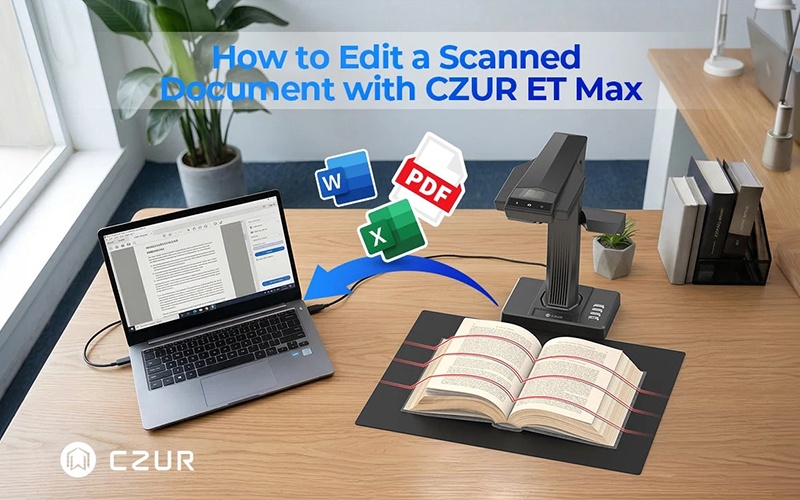
Editing a scanned document can be tricky because scans are usually saved as images rather than editable text. To change the content, you may need to run OCR on the scan, use a PDF editor, or open it in Word or Google Docs and adjust the formatting afterward. The best method depends on the file type, the amount of editing needed, and the quality of the original scan. In this guide, we’ll walk through several practical ways to edit scanned documents and explain how OCR can make the process easier.
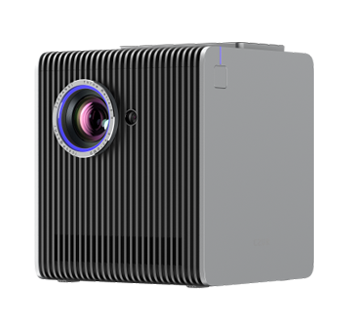
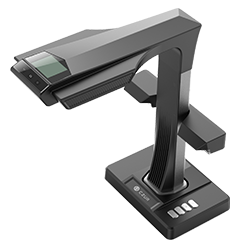
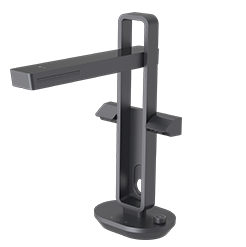
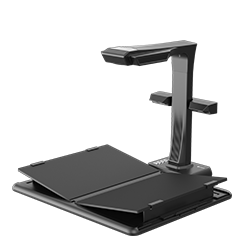
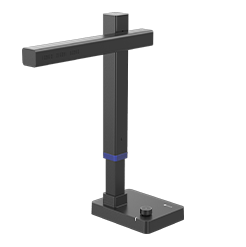
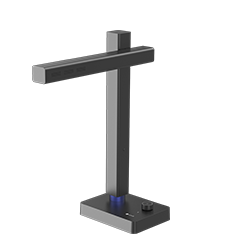
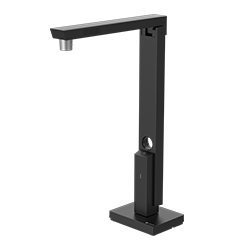
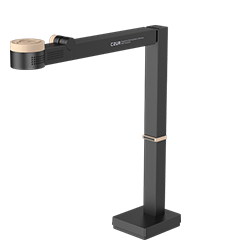
If you regularly work with scanned documents, choosing the right scanning and OCR workflow can save you time and reduce manual corrections. Learn more about how CZUR OCR scanners simplify document digitization and turn scanned pages into searchable, editable files.


