




How to Scan Multiple Pages into One PDF?
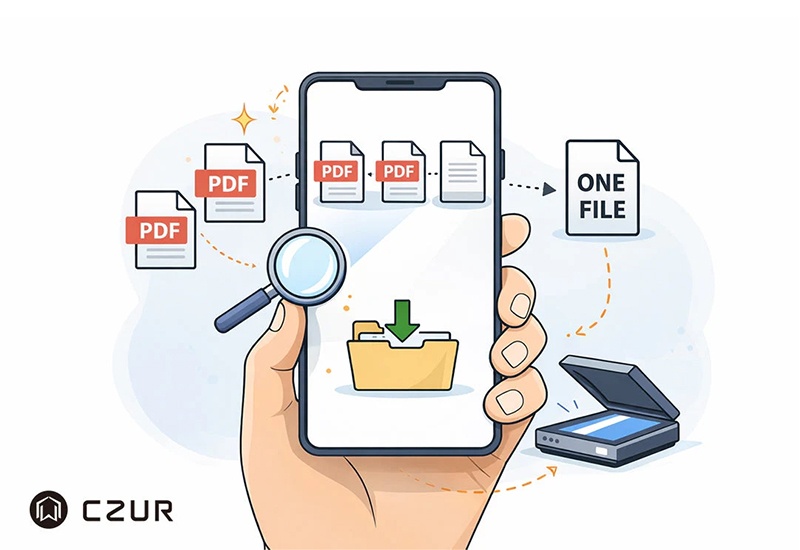
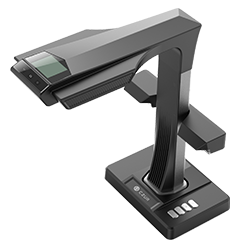
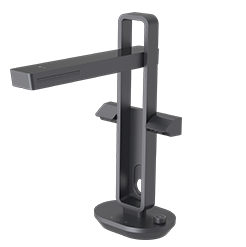
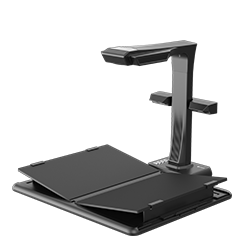
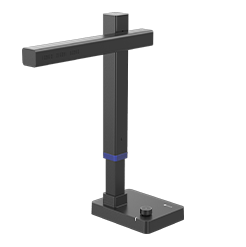
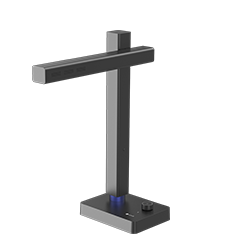
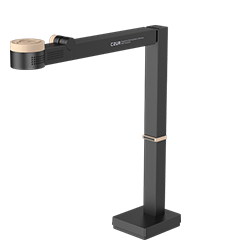
Scanning multiple pages into a single PDF doesn’t have to be complicated. Whether you’re using Windows 10, a Mac, an iPhone, an Android device, or a dedicated scanner like the CZUR ET Max, most modern scanning tools already support creating multi-page PDFs during the scanning process—without the need for extra merging software. In this guide, you’ll learn the simplest ways to scan and save multiple pages into one organized PDF file across different devices, along with practical tips to avoid common mistakes and improve your document digitization workflow. Read on to discover the step-by-step methods and choose the scanning solution that works best for you.


