




How to Connect a Scanner to My Computer?
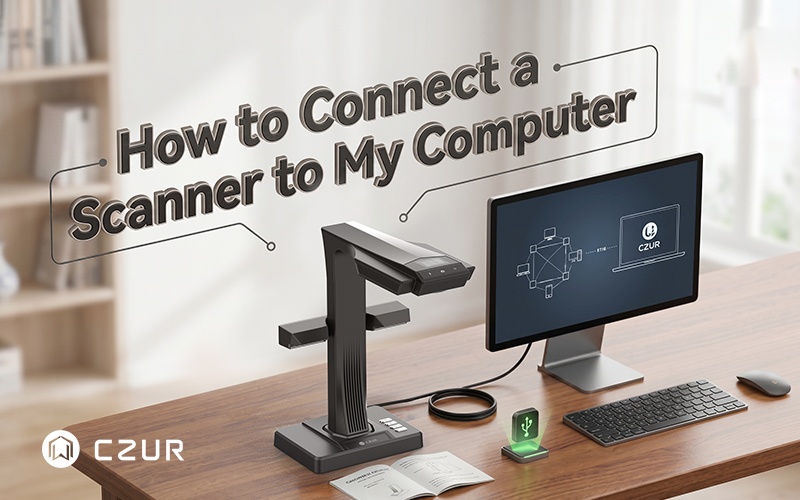
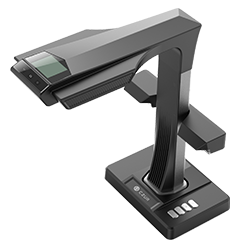
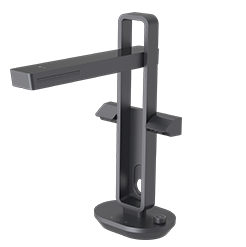
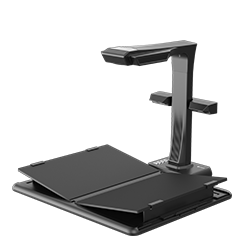
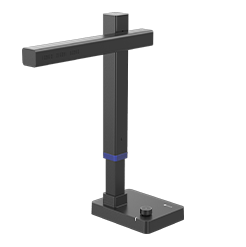
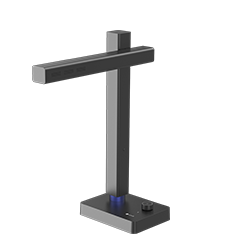
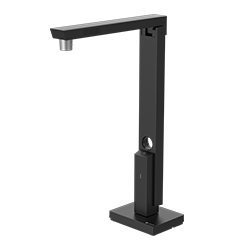
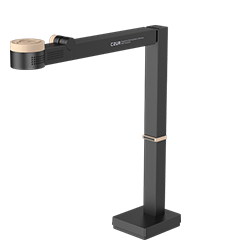
Setting up a scanner may seem technical at first, but most modern scanners are designed to connect quickly and easily with both Windows and Mac computers. From preparing your device and installing drivers to configuring scan settings and testing the connection, a proper setup ensures smoother performance and better scan quality. Whether you’re using a basic flatbed scanner for everyday documents or a professional book scanner like the CZUR ET Max, understanding the correct connection process can save time and avoid common issues. Read the full guide below to learn step-by-step how to connect your scanner and start scanning with confidence.


