




How to Scan Documents and Locate Scanned Files on iPhone?
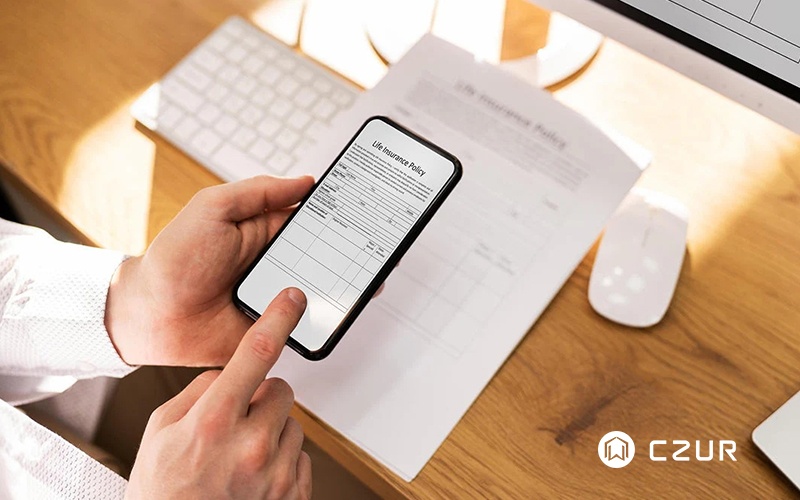
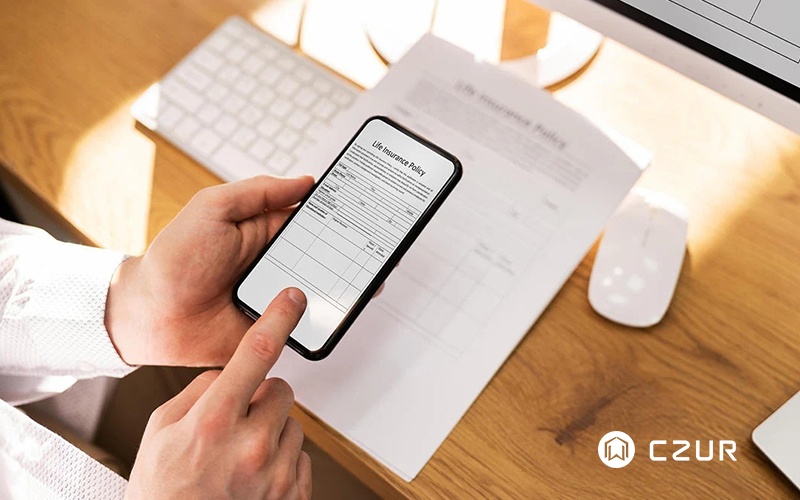
Paper documents can quickly pile up, making it difficult to stay organized and find important information when you need it. Fortunately, your iPhone comes with a built-in document scanning feature that allows you to digitize receipts, contracts, notes, and other paperwork in just a few taps. Whether you're looking for a quick way to reduce paper clutter or need an easy solution for managing documents on the go, learning how to scan and locate files on your iPhone can save both time and effort. In this guide, we'll walk you through the best ways to scan documents, find your saved files, and improve scan quality for better results. Read the full article to discover how to make the most of your iPhone's document scanning capabilities.


