




How to Scan Documents and Locate Scanned Files on iPhone?
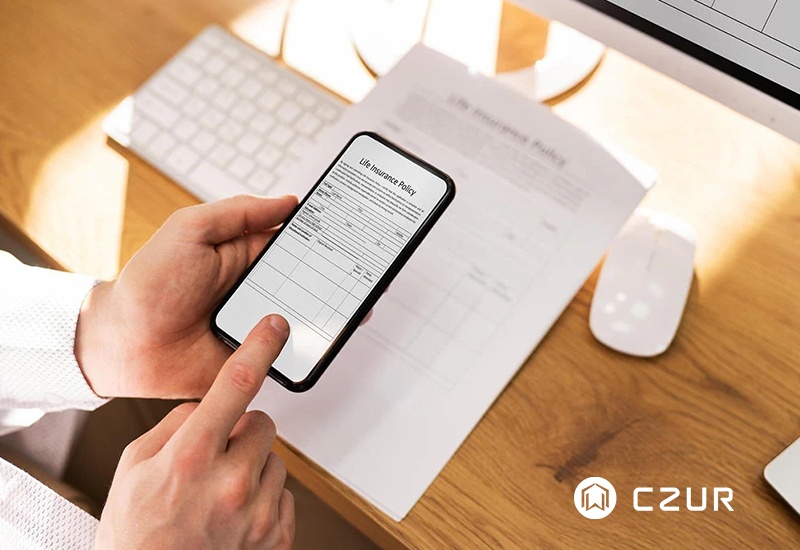
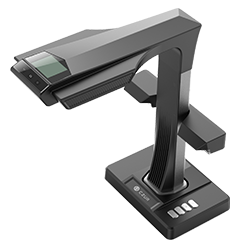
Your iPhone can do much more than take photos or send messages — it can also work as a convenient document scanner for everyday use. Whether you need to digitize receipts, contracts, notes, or old photos, iPhone scanning apps and built-in tools make it easy to turn paper into searchable digital files anytime, anywhere. In this guide, we’ll walk through how to scan documents with an iPhone, where to find saved scans, how OCR improves document management, and when it makes sense to upgrade to a professional document scanner for larger workloads. Curious how to turn your iPhone into a portable scanner in just minutes? Read the full guide here.


