



How to Scan an ID Card
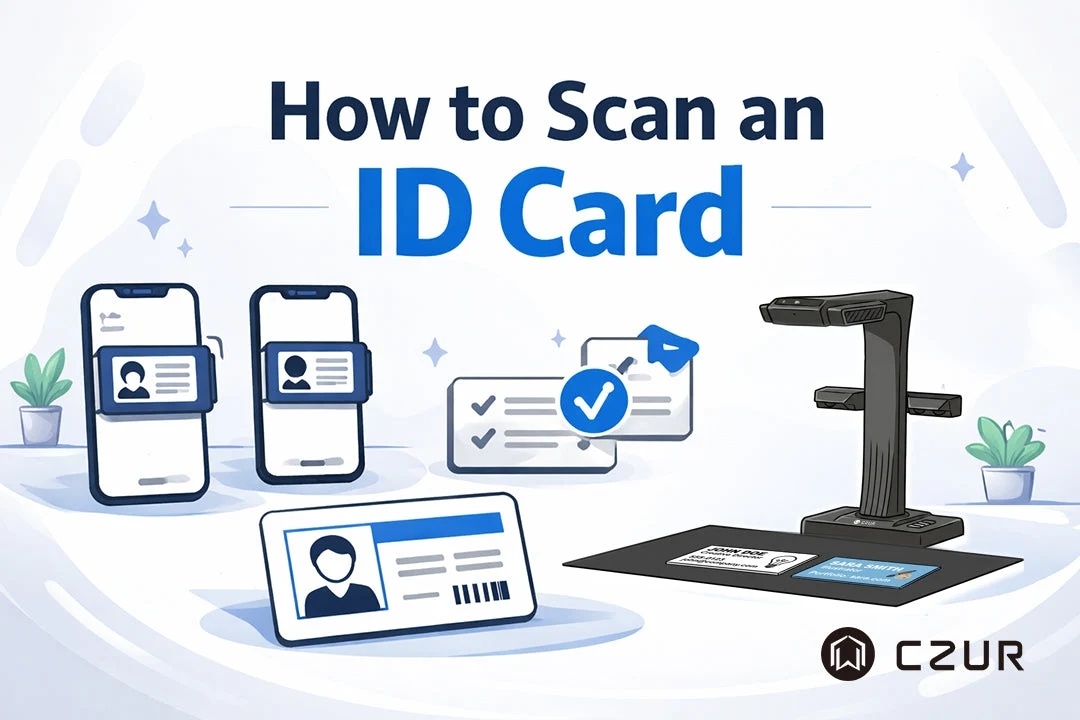
Whether you're applying for a visa, opening a bank account, verifying your identity online, or submitting documents for work, you'll often be asked to provide a clear scan of your ID card. While taking a quick photo with your phone may seem convenient, poor lighting, skewed angles, or distracting backgrounds can make the image difficult to read—or even cause it to be rejected.
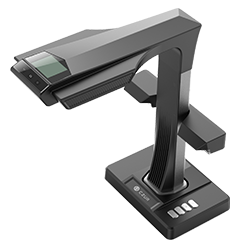
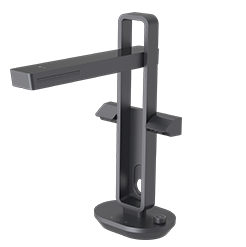
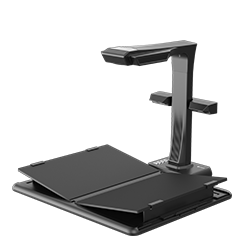
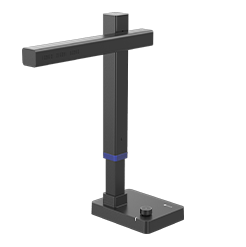
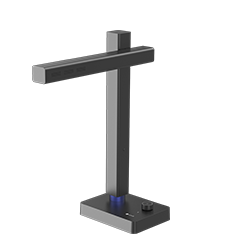
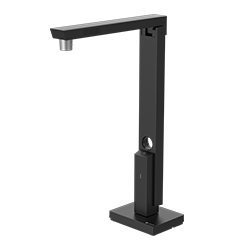
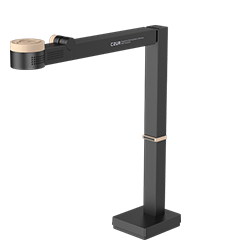
The good news is that creating a professional-looking ID scan is easier than ever. Whether you prefer using a free mobile scanning app, your Android phone's built-in scanner, or a dedicated document scanner like the CZUR ET Max, you can produce sharp, properly cropped, and easy-to-read scans in just a few minutes.
In this guide, we'll walk you through the best ways to scan an ID card on iPhone, Android, and a computer. If you're also looking for the best scanner for ID cards and other documents, check out our guide to the best document scanners.


