



How To Scan a Book Into a PDF
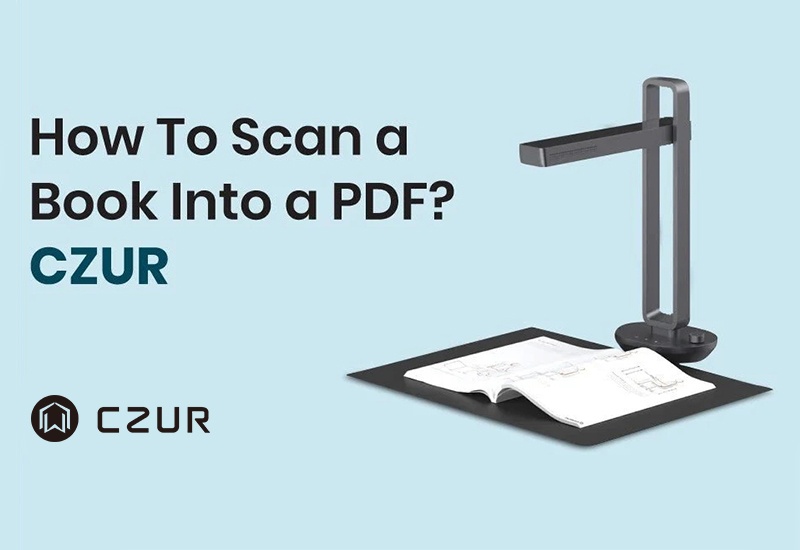
Have you ever faced a growing shelf full of books and wondered how to organize, store, or quickly access them more efficiently? When you need to repeatedly flip through thick volumes, do you also find them inconvenient, time-consuming, or difficult to carry around? Because of this, more and more people are searching for effective ways to scan books and convert them into PDFs.
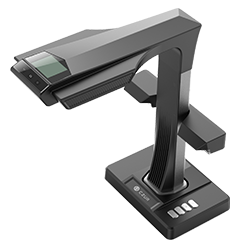
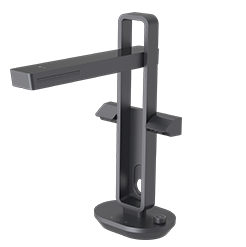
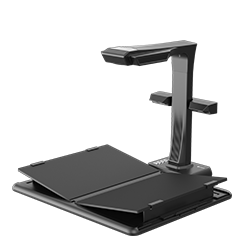
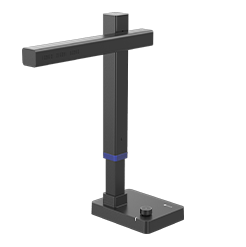
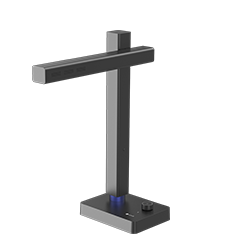
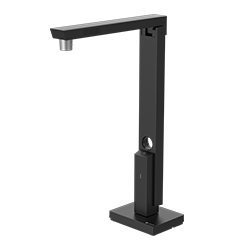
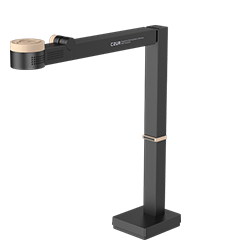
From traditional scanning methods to modern intelligent scanning technologies, the process has become much simpler and more efficient. With the help of professional book scanners and dedicated software, users can easily complete the entire workflow—from capturing pages and correcting curvature to performing OCR text recognition and generating searchable PDF files and other formats. For example, CZUR series book scanners not only support high-speed scanning but also offer features such as curve flattening, automatic finger removal, and dual-page splitting, significantly improving both the scanning experience and output quality. Whether for study, office use, or document archiving, these tools help you efficiently digitize your physical books.
To learn more about the detailed steps and complete solution, please click to read the full article.


